Modern web apps depend heavily on XHR/fetch calls, GraphQL, and REST APIs, which means UI tests are only as stable as the network they rely on. Playwright’s built-in request interception lets you decouple tests from flaky or slow backends by mocking, modifying, or blocking traffic directly in the browser automation layer.
Intercepting HTTP requests in Playwright gives you fine-grained control over how your application talks to backend services, making tests faster, more reliable, and easier to debug.
Overview
Best practices for HTTP interception using Playwright
- Intercept only specific routes instead of broad wildcards
- Register page.route() before triggering the network request
- Use route.fulfill() for mocks and route.continue() for pass-through changes
- Keep mocked responses aligned with real API structure and status codes
- Store mock payloads in external JSON fixtures, not inline
- Use conditional logic inside a single route for multiple scenarios
- Assert request headers and payloads, not just responses
- Scope or remove routes after each test to avoid leakage
- Avoid mocking critical end-to-end backend flows
- Do not use interception as a synchronization or wait mechanism
This article walks through how Playwright’s network interception works, the key APIs, common patterns, and best practices with practical, test-oriented examples.
What interception means in Playwright
In Playwright, intercepting HTTP requests means pausing outbound requests that match a pattern and deciding programmatically whether to continue, modify, fulfill, or abort them. This interception happens before the browser actually sends the request over the network or processes the response, giving tests complete control over both directions of traffic.
Why intercept HTTP in tests?
Teams intercept requests in Playwright tests mainly to:
- Mock unstable or third-party APIs so tests are deterministic and do not depend on external uptime or rate limits.
- Speed up suites by skipping slow resources (fonts, analytics, ads) and reducing server round-trips.
- Simulate edge cases like server errors, timeouts, partial data, or different user roles without needing specific backend fixtures.
How Playwright handles interception internally
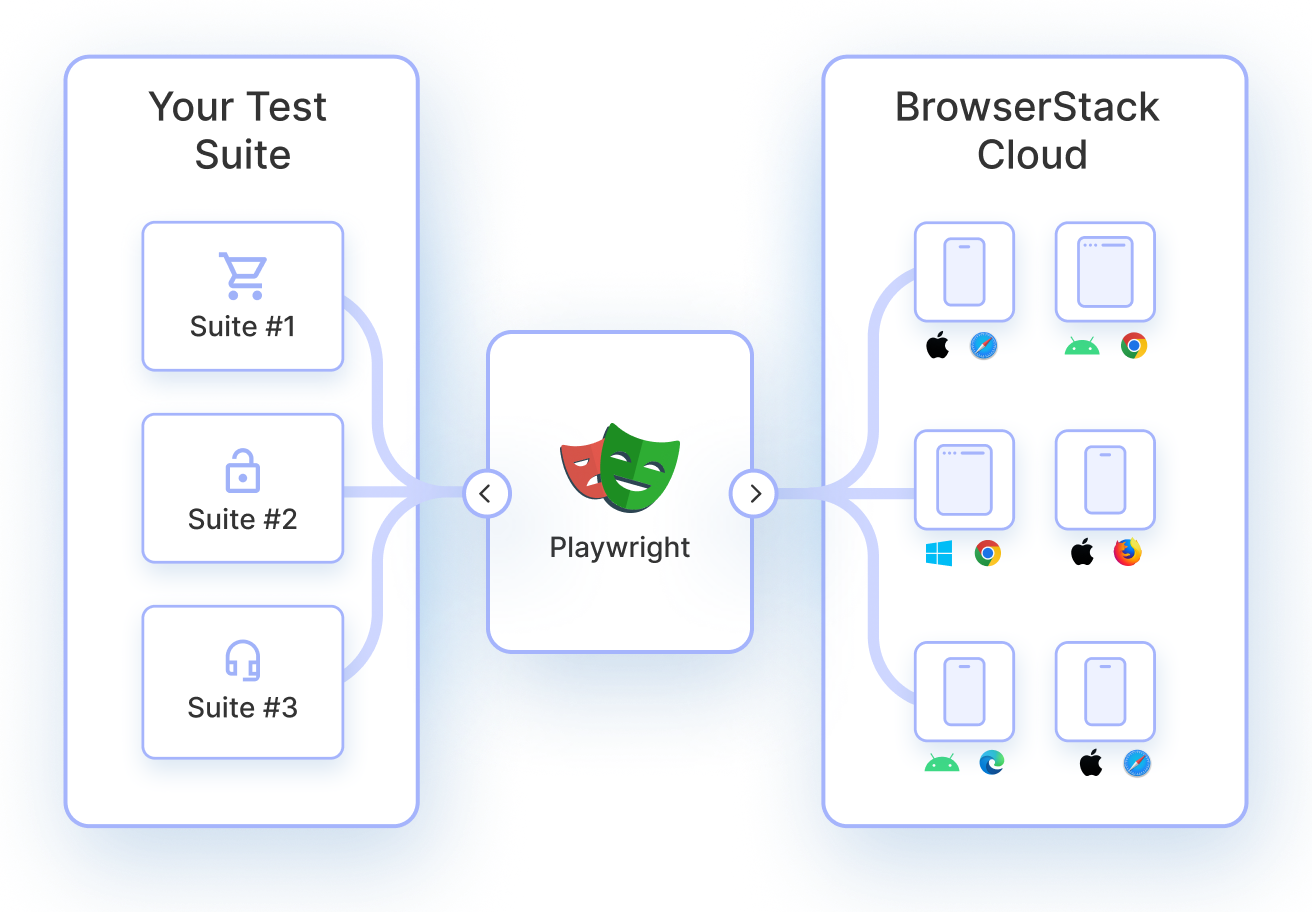
Playwright sits between your test code and the browser, using a persistent WebSocket connection to control browser engines like Chromium, Firefox, and WebKit.
When a matching request occurs, the browser notifies Playwright, which exposes it as a Route and Request object for your test to handle synchronously or asynchronously. If you do nothing in that handler, the request stalls; you must explicitly call route.continue(), route.fulfill(), or route.abort() to resume the flow.
Playwright APIs for interception
The core interception-related APIs in the JavaScript/TypeScript test runner are:
- page.route(url, handler) – register a route handler to intercept matching requests.
- page.unroute(url, handler?) – remove a specific handler or all handlers for a matcher.
- browserContext.route(url, handler) – apply interception across every page in the context, useful for global mocks.
- route.request() – inspect the intercepted Request (URL, method, headers, postData, etc.).
- route.continue(options?) – let the request proceed, optionally modifying it.
- route.fulfill(options) – short-circuit and provide a complete mocked response.
- route.abort(errorCode?) – cancel the request with an optional error reason (e.g., failed, blockedbyclient).
Intercepting and modifying HTTP requests
To intercept and modify a http request, use page.route (or context.route) with a glob, regex, or predicate:
await page.route(‘**/signup/partners’, async (route, request) => { const body = request.postDataJSON();

const modifiedBody = {

…body,

agentId: ‘test-agent’,

};
await route.continue({

postData: JSON.stringify(modifiedBody),

});

});
This pattern is useful when:
- Sanitizing or normalizing payloads (e.g., random IDs, timestamps) so assertions stay stable.
- Injecting feature flags, headers, or auth tokens without altering application code.
Running request-interception tests locally often hides environment-specific issues like proxy behavior, browser quirks, or header mutations. With BrowserStack Automate, Playwright interception logic can be validated on real browsers and OS combinations at scale, ensuring request modifications behave consistently across production-like environments.
For advanced request rewriting, header injection, and payload manipulation beyond test code, Requestly complements Playwright by enabling live HTTP overrides without changing application or test logic-making complex network scenarios easier to simulate and debug in CI pipelines
Mocking API responses with route interception
Mocking is the most common use of interception: you intercept a request and respond with synthetic data via route.fulfill.
await page.route(‘**/api/v1/fruits’, async (route) => { const json = [{ id: 21, name: ‘Strawberry’ }];

await route.fulfill({ json });

});
Key capabilities when mocking:
- Return JSON, text, or binary bodies with custom status codes and headers.
- Wrap an existing real response using page.request.fetch(route.request()) and then mutate body or headers before fulfilling.
- Simulate error states like 500 or 503 to validate UI error handling.
Blocking and aborting network requests in Playwright
Use route.abort() when you want to cancel requests entirely, such as:
- Blocking analytics, tracking pixels, and third-party ads to reduce noise and speed up tests.
- Preventing large asset downloads (images, fonts) during headless runs for performance.
Example:
await page.route(‘**/*’, (route) => { const url = route.request().url();

if (url.includes(‘google-analytics’) || url.endsWith(‘.png’)) {

return route.abort();

}

return route.continue();

});
Being too broad (‘**/*’) can accidentally block navigations, so route conditions must be carefully tuned.
URL patterns and conditional interception
Playwright supports several ways to target requests:
- Glob patterns: ‘**/api/**’, ‘**/*.json’.
- Regular expressions: //graphql?operation=GetUser/.
- Predicate functions: (route) => route.request().postData()?.includes(‘priority=high’).
Predicate-based routing is ideal when matching on:
- HTTP method (GET vs POST vs PUT).
- Query parameters, headers, or JSON body shapes.
- Specific microservice domains in a micro-frontend architecture.
Read More: How to Use waitForUrl in Playwright
Handling multiple and concurrent intercepts
Complex apps may fire several requests in parallel, and route handlers must remain deterministic and non-blocking. Good practices include:
- Keeping route handlers short and async-safe, avoiding heavy computation.
- Composing separate handlers per URL pattern instead of one huge “catch-all” that branches on every condition.
- Using page.waitForResponse with a predicate when you need to wait on several concurrent API calls triggered by a single user action.
const [resUser, resOrders] = await Promise.all([ page.waitForResponse(r => r.url().includes(‘/api/user’) && r.status() === 200),

page.waitForResponse(r => r.url().includes(‘/api/orders’) && r.status() === 200),

page.click(‘button.load-dashboard’),

]);
Validating request and response data
Interception also enables making assertions at the network layer, not just the UI. Common patterns:
- Assert payload contents in route handlers, then call route.continue() or route.fulfill() only if they match expectations.
- Capture values from responses (IDs, tokens, counts) and feed them into later test steps.
Example of validating a POST body:
await page.route(‘**/api/checkout’, async (route) => { const payload = route.request().postDataJSON();

expect(payload.items).toHaveLength(3);

expect(payload.total).toBeGreaterThan(0);

await route.continue();

});
Validating request and response data locally does not always reflect real-world traffic patterns across browsers and operating systems. With BrowserStack Automate, Playwright tests that assert payloads, headers, and response data can be executed on real browsers at scale, helping catch environment-specific inconsistencies and ensuring network-level validations remain reliable in CI pipelines.
Intercepting in Single Page Applications
Single Page Applications (SPAs) often rely on client-side routing and background fetches, so interception must start before the SPA triggers requests. Recommended patterns:
- Register page.route or context.route before page.goto so initial data-loading requests are controlled.
- Combine interception with SPA-specific waits, like page.waitForResponse and locator.waitFor, to avoid racing against async state updates.
In frameworks like Next.js, server-side requests usually cannot be intercepted from the browser context; instead, intercept the client-side calls or mock at the HTTP layer if needed.
Common mistakes with interception
Typical pitfalls when working with Playwright routes include:
- Registering routes after page.goto, causing early requests to slip through unmocked.
- Using overly broad patterns like ‘**/*’ without conditional checks, blocking critical assets and navigations.
- Forgetting to call route.continue, route.fulfill, or route.abort, which leaves requests hanging and tests timing out.
- Conflicts caused by multiple page.route handlers that match the same URL; only the last matching handler is applied.
Performance and stability considerations
Playwright interception runs on every matching request, so inefficient handlers can degrade test performance. To keep suites fast and stable:
- Prefer browserContext.route for global, reusable mocks instead of re-registering routes on every page.
- Avoid expensive computation or I/O in route handlers; pre-compute fixtures and keep handlers focused on routing logic.
- Be mindful that mocking too much can diverge from real-world behavior, so keep a small subset of “full-stack” tests against real backends.
Read More: Performance Testing using Playwright
Debugging failed or missed intercepts
When interception does not behave as expected, focus on visibility and timing. Helpful techniques:
- Log the URL, method, and headers inside route handlers to verify what is actually being matched.
- Use Playwright trace or network views to confirm whether a request was fulfilled or actually sent to the server.
- Check for service workers that may intercept traffic before Playwright and disable them with { serviceWorkers: ‘block’ } on the context when necessary.
const context = await browser.newContext({ serviceWorkers: ‘block’ });Read More:How to start with Playwright Debugging?
Best practices for HTTP interception using Playwright
To keep your interception strategy maintainable and test-friendly:
- Define shared helper utilities for common mocks (auth, feature flags, base data) and reuse them across tests.
- Scope mocks narrowly using precise URL patterns, methods, and predicates to avoid accidental interference.
- Always add at least one assertion that proves your mock was actually used (e.g., UI text from mocked data, or a request count check).
- Remove or reset routes between tests using page.unroute or new contexts to avoid cross-test bleed-through.
Read More: 15 Best Practices for Playwright testing
Limitations of Playwright’s interception
Despite its power, there are practical limitations:
- Server-to-server or backend-only requests are not visible to Playwright; it only sees traffic initiated from the browser context.
- Some service workers and caching behaviors can mask or bypass interception unless explicitly disabled.
- Interception logic lives in test code, so overly complex mocks can make tests harder to understand and maintain than equivalent backend-level test doubles.
How Requestly Helps with HTTP Interception in Playwright
Playwright provides native APIs like page.route() for intercepting network calls, but managing those intercepts at scale becomes difficult as test suites grow. Requestly simplifies HTTP interception by moving network control outside test code while still working seamlessly with Playwright.
- Intercept requests without writing routing logic in tests: Instead of embedding conditional page.route() handlers in every test, Requestly uses rule-based interception. Requests can be mocked, redirected, modified, or blocked without changing Playwright test files, keeping tests focused on UI behavior.
- Mock APIs and third-party services reliably: Requestly allows static and dynamic mock responses for backend APIs, payment gateways, analytics tools, or feature flag services. This ensures tests are not affected by backend downtime or rate limits.
- Modify request and response payloads on the fly: Headers, query params, status codes, and response bodies can be altered during runtime. This makes it easier to test edge cases like authorization failures, malformed responses, or partial data scenarios that are hard to reproduce using real APIs.
- Simulate network delays and failures: Requestly can introduce artificial delays or error responses to validate Playwright behavior under slow networks, timeouts, or server failures, helping uncover race conditions and flaky waits.
- Reuse the same interception rules across environments: The same Requestly rules work in local runs, CI pipelines, and shared team setups. This avoids duplication of mock logic and reduces inconsistencies between developer machines and automated builds.
- Improve debugging of flaky network-dependent tests: Centralized visibility into intercepted requests and responses helps identify whether failures originate from frontend logic or unstable APIs, reducing debugging time.
- Scale interception beyond simple test cases: As Playwright test coverage expands, maintaining interception logic inside tests becomes hard to manage. Requestly provides a scalable, maintainable layer for HTTP control without bloating test code.
For teams using Playwright extensively for network-dependent flows, Requestly acts as a dedicated HTTP interception layer that complements Playwright’s native capabilities while keeping test suites clean and stable.
Conclusion
Network interception in Playwright transforms UI tests into precise, API-aware scenarios where every request and response is controlled. By using route, continue, fulfill, and abort thoughtfully-with scoped patterns, clear validations, and lean handlers-fast, reliable, and expressive test suites can be built that remain stable as applications and backends change.