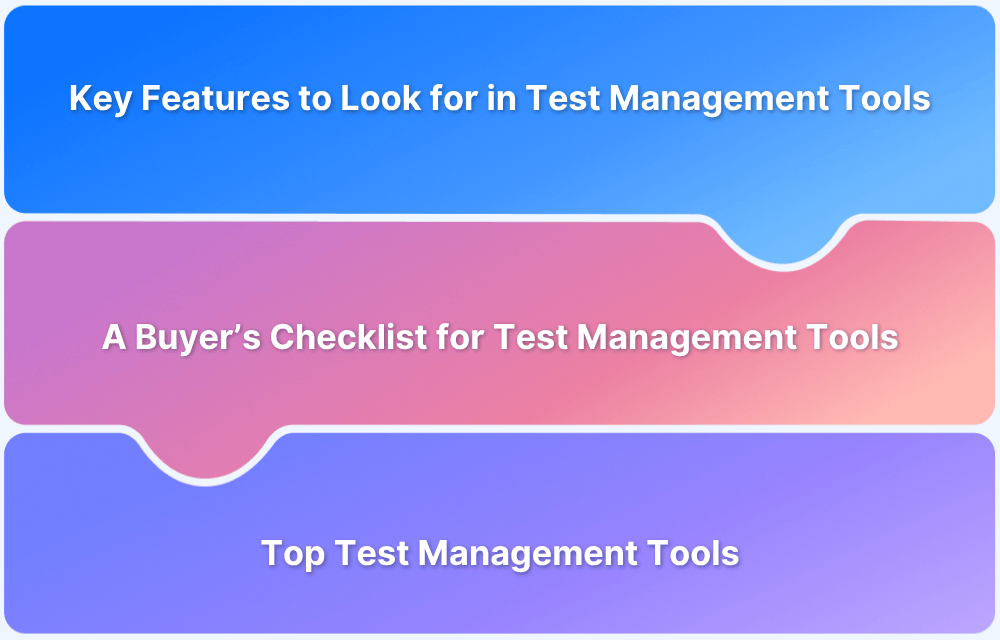
A capable and dedicated test management platform helps manage test cases, link them with requirements and defects, track their execution, and report meaningful metrics.
Overview
Buyer’s Checklist for Selecting a Test Management Tool
- End-to-end Traceability: Ensure requirements map to test cases and defects for complete coverage.
- Seamless Integrations: Must connect with Jira and CI/CD pipelines to unify development & QA.
- Unified Reporting: Central dashboards for manual + automated test results and analytics.
- Scalability & Cost Efficiency: Should support team growth and rising test volume without heavy cost spikes.
- Customization & Security: Flexible workflows, role-based access, and enterprise-grade data security.
Top Test Management Tools (2025)
- BrowserStack Test Management: AI-driven unified test hub with deep Jira integration and advanced analytics.
- Kualitee: ALM-focused platform with AI-based test creation, defect tracking, and full traceability.
- Zephyr Squad: Jira-native solution for Agile teams with real-time metrics and test cycle control.
- PractiTest: Enterprise QA management with reusable tests, visualization, and automation support.
- Xray: Jira-embedded tool with BDD, CI/CD support, and full requirement-to-test traceability.
- QAComplete: SmartBear suite for manual & automated testing with advanced planning and permissions.
- TestLink: Open-source manual test tool with requirement traceability and bug tracker connectors.
- qTest: Enterprise-grade platform with centralized test repository and CI/CD-driven automation.
- Katalon TestOps: Cloud QA hub within the Katalon ecosystem for aggregated test insights.
- Testmo: Fast, modern unified testing platform for manual, exploratory, and automated tests.
This test management software buyer’s guide 2025 explains how to choose the right platform, key features to assess, and essential questions to ask. It also compares the top 10 tools and provides a practical framework for informed QA decisions.
What are Test Management Tools?
Test management tools are software platforms designed to organise, execute and monitor software testing activities. They serve as central repositories for test cases, test runs, test environments, defects, and reporting dashboards.
They enable traceability from requirements through test cases to defects, and allow teams to manage test cycles across projects, sprints or releases.
In essence, a test management tool brings structure to the QA process rather than leaving it scattered across documents, spreadsheets and tools.
Importance of a Test Management Tool
There are several reasons why investing in a proper test management tool is important:
- Structured Testing Process: A test management tool brings order to the testing cycle. It helps teams create, execute, and track tests from one place, reducing confusion and duplication.
- Better Traceability and Accountability: It connects requirements, test cases, and defects. This makes it easy to trace failures back to their source and maintain accountability throughout the QA process.
- Faster Release Cycles: Centralised test data and automation integrations help detect defects early and shorten release timelines without sacrificing product quality.
- Accurate Reporting and Insights: Built-in dashboards and reports offer clear visibility into test progress, defect trends, and coverage gaps for informed release decisions.
Also Read: How to reduce Testing Cycle Time?
Key Features to Look for in Test Management Tools
Here are the key features that should guide your evaluation when choosing a test management tool:
- Test Case Management: Create, organise, and manage test cases efficiently with grouping, prioritisation, and version control for consistent test coverage.
- Test Cycle and Execution Management: Manage test runs, assign tasks, and reuse suites across projects with easy scheduling for regression or smoke tests.
- Requirement Mapping: Link test cases to requirements to confirm coverage and identify gaps early in the testing process.
- Defect Management or Integration: Track defects or integrate with tools like Jira or Azure DevOps to keep QA and development aligned.
- Automation Integration: Connect with automation frameworks and CI/CD tools to merge automated and manual test results in one place.
- Customisable Dashboards and Reports: Access real-time metrics, track coverage and defect trends, and create custom dashboards for clear visibility.
- Traceability and Audit History: Maintain full change history for test assets to simplify audits and meet compliance requirements.
- User Roles and Access Control: Assign roles and permissions to manage access, prevent errors, and maintain accountability in large teams.
- Cloud and On-Premise Flexibility: Choose deployment suited to your needs – cloud for distributed teams or on-premise for strict data control.
- Integration Ecosystem: Integrate with CI tools, version control, and automation frameworks for smooth workflows.
- Reusability and Parameterisation: Reuse test assets and apply varied datasets to expand coverage and save time.
- Ease of Use: Adopt quickly with a clean, intuitive interface that reduces setup time and boosts tester efficiency.
- Support and Vendor Reliability: Depend on regular updates, responsive support, and a clear roadmap for long-term stability.
Read More: Best Manual Test Management Tools in 2025
A Buyer’s Checklist for Test Management Tools
Here’s the buyer’s checklist to assess any test management tool. Use it to compare features, scalability, and integration readiness before finalising your selection.
| Question | Answer | Why It Matters |
| Can we link requirements → tests → bugs? | Yes / No / N/A | Confirms every feature is fully tested before release. |
| Does it easily connect with our bug tracking tools (like Jira)? | Yes / No / N/A | Removes duplicate entries and speeds up bug fixes. |
| Can we see results from automated and manual tests in one report? | Yes / No / N/A | Gives a unified view of overall product quality. |
| Can we customize the dashboard to show exactly what is needed? | Yes / No / N/A | Provides real-time visibility into test progress. |
| Will the cost still be manageable as our team and testing volume grow? | Yes / No / N/A | Keeps costs sustainable as projects expand. |
| Does it keep a history of all changes made to our test cases? | Yes / No / N/A | Maintains audit trails and accountability. |
| Can we reuse test steps and parts of tests across different projects? | Yes / No / N/A | Reduces duplication and saves authoring time. |
| Can we change the fields and workflow to match how our team already works? | Yes / No / N/A | Adapts easily to existing QA processes. |
| Can we control who views or edits specific test data? | Yes / No / N/A | Safeguards data and limits unauthorized access. |
| Does the vendor offer the hosting solution that fits our company’s rules? | Yes / No / N/A | Meets enterprise security and IT standards. |
| Can it handle and consolidate results when we run tests across many browsers at once? | Yes / No / N/A | Delivers consistent cross-browser test results. |
| Is it fast and easy for testers to execute manual tests and attach evidence (like screenshots)? | Yes / No / N/A | Boosts tester efficiency and test quality. |
| Is the company investing in new features, like using AI to help us write tests? | Yes / No / N/A | Ensures long-term value and innovation. |
| Is the tool’s programming interface (API) strong for custom integrations? | Yes / No / N/A | Supports flexibility for advanced integrations. |
By using this checklist, teams can quickly compare the best test management tools and find the right fit for their projects.
Top 10 Test Management Tools
Below are 10 of the most popular test management tools in 2025. Compare their core features, strengths, and ideal use cases to find the best fit for your QA needs.
1. BrowserStack Test Management
BrowserStack Test Management is an AI-powered, unified platform designed to accelerate test case creation, execution, and automation with up to 90% faster test authoring and 50% improved coverage.
It offers seamless integrations, real-time visibility through customizable dashboards, and advanced AI agents that streamline testing workflows for both manual and automated tests.
Built for teams of all sizes, it ensures secure data handling while enabling high-quality, efficient software delivery.
Key Features
- AI-Powered Test Case Creation: Automatically generate comprehensive test cases from Product Requirement Documents (PRDs), user stories, or text prompts. AI also suggests enhancements to existing test cases, reducing manual effort significantly.
- Test Deduplication Agent: Detects exact or semantically similar test cases across your repository, providing intelligent recommendations for merging or removal to maintain a clean and efficient test suite.
- Low-Code Automated Test Authoring: Quickly convert manual test cases into low-code automated tests to accelerate automation adoption without requiring deep coding skills.
- Intelligent Test Selection Agent: Uses AI to identify and recommend the most relevant tests for execution, optimizing test runs and focusing on critical test coverage.
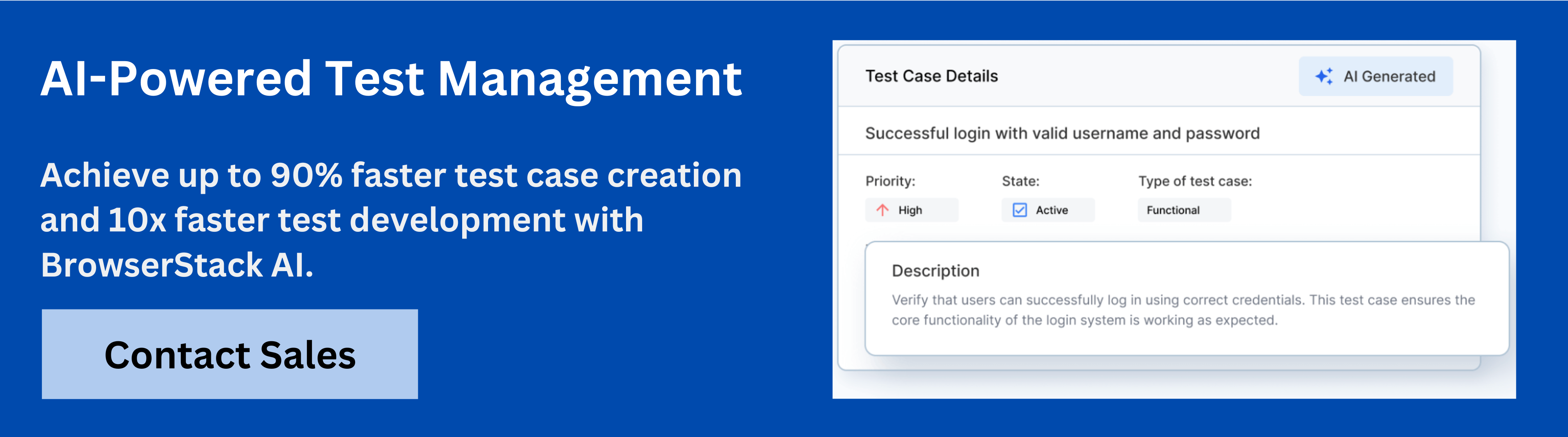
- Unified Test Management: Manage all manual and automated test cases in one centralized platform with full traceability from requirements to defects through seamless integrations with Jira, Azure DevOps, and more.
- Powerful Dashboard Analytics: Access customizable dashboards that offer real-time insights, track release status, monitor historical trends, and visualize testing metrics, including automation coverage.
- Shared Steps for Reusability: Mark repetitive test steps as shared within test cases to enhance reusability and save effort when creating or maintaining test cases.
- Quick Import & Custom Field Mapping: Import test cases rapidly from CSV files or existing management tools with automatic field mapping and on-the-fly custom field creation.
- AI-Powered Jira App with Two-Way Binding: Synchronize test cases and runs between BrowserStack Test Management and Jira, allowing management from both platforms with AI-driven assistance.
- Streamlined Manual and Automated Test Runs: Plan and execute test runs across manual and automated tests. Supports dynamic test inclusion and uploading automation results from frameworks like JUnit and BDD-JSON.
- Support for 50+ Automation Frameworks & CI/CD Tools: Integrates with popular frameworks (Appium, Playwright, TestNG, etc.) and CI/CD platforms (Jenkins, Azure Pipelines, Bamboo), enabling scalable test automation workflows.
- Debugging Insights: Gain deep insights into the performance and quality of test runs through integrated observability tools for faster debugging and issue identification.
- Enterprise-Grade Security & Access Control: Role-based access management, geo-region restrictions, and encrypted real-time data processing ensure compliance and secure multi-team collaboration.
- Custom Fields & Tailored Test Management: Customize form fields and result fields to adapt the platform precisely to your organizational requirements and workflows.
The free version of BrowserStack Test Management offers unlimited test cases, robust integrations, and real-time reporting capabilities.
Try BrowserStack Test Management
2. Kualitee
Kualitee is an ALM-based test management tool. It centralizes test case creation, execution, and defect tracking with full requirements traceability. The platform features an AI assistant, Hootie, to auto-generate test cases. It supports both manual and automated tests, and integrates with major CI/CD and issue tracking systems like Jira.
Kualitee Key Features:
- Customizable dashboards
- Defect management module
- Integration with Jira and GitHub
- Requirement traceability
- Reusable test assets
Verdict: Kualitee fits teams needing a customizable, end-to-end QA platform with AI and strong defect tracking, but it lacks the native Jira issue-type experience of integrated add-ons.
3. Zephyr Squad
Available as Zephyr Squad (Jira native) and Zephyr Scale (advanced, stand-alone/Jira integrated), this tool focuses on integrating testing directly into the development environment. It helps Agile and DevOps teams plan, create, execute, and track test cycles efficiently without leaving their preferred environment.
Zephyr Squad Key Features:
- Native Jira integration
- Real-time test metrics
- Automation support
- Traceability matrix
- Customizable test cycles
Verdict: Zephyr suits agile Jira users needing deep integration and scalability, but it lacks independence as a standalone QA tool.
Must Read: Zephyr Alternatives for Test Management
4. PractiTest
PractiTest is an enterprise-grade, end-to-end test management platform that centralizes all QA work, tools, and processes into a single source of truth. It supports traditional and Agile projects, offering advanced analytics, real-time dashboards, and compliance-ready security standards for complex environments.
PractiTest Key Features:
- Requirement-to-defect traceability
- Visual dashboards
- Automation integrations
- Reusable test steps
- Custom filters and reports
Verdict: PractiTest fits large enterprises needing scalable,>
Must Read:Best Test Management Tools in 2025
5. Xray
Xray is a native Jira add-on built specifically for test management, embedding all testing activities directly into Jira issues. It enables teams to link requirements, tests, execution cycles, and defects using standard Jira features, making it a powerful choice for organizations committed to the Atlassian ecosystem.
Xray Key Features:
- Requirement coverage mapping
- REST API support
- BDD integration
- CI/CD tool compatibility
- Test execution tracking
Verdict: Xray works best for Jira-based teams needing full traceability, but it cannot function outside the Atlassian ecosystem.
Read More: Xray Alternatives for Test Management
6. QAComplete
QAComplete, the test management tool from SmartBear, provides a single application for managing the entire release lifecycle. It centralizes test cases, environments, automated tests, defects, and project tasks. The tool supports both manual and automated efforts, focusing on visibility and control across the testing process.
QAComplete Key Features:
- Test cycle scheduling
- Requirement management
- Reporting dashboards
- Role-based permissions
- Automation integration
Verdict: QAComplete fits teams seeking an all-in-one QA solution, but it lacks the AI-driven depth of modern cloud platforms.
7. TestLink
TestLink is an open-source, web-based test management tool primarily supporting manual testing workflows. It provides a centralized repository for test cases, allows for test plan creation, execution, and reporting, and features integration with various bug-tracking systems like Jira and Bugzilla.
TestLink Key Features:
- Open-source framework
- Requirement traceability
- Test plan management
- Bug tracking integrations
- Execution reports
Verdict: TestLink is ideal for cost-conscious teams managing manual tests, but it does not offer automation, analytics, and a modern UI.
8. qTest
qTest by Tricentis is an all-in-one test management suite designed for enterprises, supporting Agile and DevOps methodologies. It offers centralized management of test cases and requirements, extensive automation integration via its Launch module, and detailed analytics through qTest Insights.
qTest Key Features:
- Centralized test repository
- CI/CD and DevOps integration
- Custom dashboards
- Test automation management
- Real-time reporting
Verdict: qTest suits enterprises needing large-scale, compliant test management, but it may be too complex for smaller teams.
9. Katalon TestOps
Katalon TestOps is a cloud-based test management and quality reporting platform that integrates seamlessly with the entire Katalon testing ecosystem. It serves as a central hub for test execution, reporting, and management, unifying results from automated and manual tests across different projects and environments.
Katalon TestOps Key Features:
- Real-time analytics
- Test result aggregation
- Integration with CI tools
- Team collaboration features
- Unified test reporting
Verdict: Katalon TestOps fits teams using Katalon for unified test management, but it lacks flexibility for integration with non-Katalon frameworks.
Learn More: 13 Best Test Management Reporting Tools
10. Testmo
Testmo is a modern, unified platform designed to manage all QA efforts: manual test cases, exploratory testing, and test automation results, in one place. It features a lightning-fast interface, rich reporting, and flexible integrations with development tools like Jira, GitHub, and CI pipelines.
Testmo Key Features:
- Unified test runs
- Automation result imports
- Issue tracker integration
- Project-level metrics
- Exploratory test sessions
Verdict: Testmo suits agile teams needing a fast, unified platform for all test types, but it lacks enterprise compliance and on-premise deployment options.
Comparison of Top Test Management Tools
Below table briefly compares the top 10 tools featured in the previous section. Learn how each tool differs in deployment, integration, automation, and suitability for various QA needs.
| Tool Name | Deployment Type | Integration Support | Automation Support | Ease of Use | Best For |
| BrowserStack Test Management | Cloud | CI/CD, Jira, GitHub, BrowserStack | Yes | High | All size teams + Enterprise QA teams with automation workflows. Offers a free plan with unlimited test cases. |
| Kualitee | Cloud, On-premise | Jira, GitHub, Bitbucket | Partial | Moderate | Mid-sized teams with hybrid test needs |
| Zephyr | Cloud, On-premise | Jira, Bamboo, Jenkins | Yes | High | Jira users managing agile projects |
| PractiTest | Cloud | CI/CD, Jira, GitHub | Yes | Moderate | QA teams needing traceability |
| Xray | Cloud, On-premise | Jira, Jenkins, REST API | Yes | High | Teams using Jira for project tracking |
| QAComplete | Cloud, On-premise | SoapUI, Jenkins, Jira | Yes | Moderate | Enterprises using SmartBear suite |
| TestLink | On-premise | Bugzilla, Jira, MantisBT | No | Moderate | Small teams seeking open-source tools |
| qTest | Cloud | Jenkins, Bamboo, Jira | Yes | High | Large enterprises with DevOps practices |
| Katalon TestOps | Cloud | Katalon Studio, CI/CD tools | Yes | High | Teams within Katalon ecosystem |
| Testmo | Cloud | GitHub, GitLab, Jenkins | Yes | High | Agile teams needing quick test visibility |
How to Evaluate and Shortlist a Test Management Tool?
Follow these steps to assess and shortlist test management tools that fit your QA process, team, and tech stack.
Step 1: Define Functional and Integration Requirements: Start by listing essential features as well as mapping the tool’s compatibility with existing systems like Jira, GitHub, or Jenkins.
Step 2: Assess Scalability and Performance: Check if the tool can handle large projects, multiple users, and parallel releases without performance drops. Look for cloud options that support rapid team expansion.
Step 3: Review Usability and Learning Curve: Evaluate the interface, navigation flow, and onboarding process. A good tool reduces manual effort and requires minimal training for adoption across teams.
Step 4: Compare Reporting and Traceability Features: Inspect reporting capabilities, data visualisation, and traceability links between requirements, test cases, and defects. Strong visibility helps identify quality gaps early.
Step 5: Conduct a Pilot Evaluation: Run a short pilot with real test cases. Observe execution speed, test cycle handling, automation integration, and how easily testers adapt to daily workflows.
Step 6: Evaluate Pricing, Support, and Future Roadmap: Compare total cost of ownership, licensing flexibility, and vendor support. Prefer tools backed by continuous updates and responsive technical assistance.
Most importantly, select a tool that aligns with your long-term testing goals, scales with your projects, and integrates seamlessly with your existing development ecosystem.
Why Choose BrowserStack Test Management?
You should consider BrowserStack Test Management for its unified visibility, automation support, and intelligent test optimisation. The four key capabilities that give it a clear edge over other tools are:
- Unified Manual and Automated Testing: Combines both in one platform for simplified tracking and reporting.
- AI-Driven Test Authoring: Uses AI agents for faster test creation, duplication detection, and maintenance reduction.
- Seamless Integrations: Works smoothly with Jira, Azure DevOps, and CI/CD pipelines for complete workflow alignment.
- Modern Dashboards and Analytics: Offers real-time insights into test health, coverage, and release readiness.
Conclusion
Choosing the right test management tool is essential for any QA team aiming to deliver reliable software in shorter cycles. As outlined in this test management software buyer’s guide 2025, the right platform brings structure, visibility, and traceability across the testing process. However, the challenge lies in balancing scalability, integration, and usability while keeping costs under control.
BrowserStack Test Management addresses these challenges with its unified platform, AI-based authoring, and deep integration capabilities that streamline every test activity. To explore how it can fit your QA environment, connect with BrowserStack experts for a detailed walkthrough.
Frequently Asked Questions
1. What is the primary purpose of a test management software buyer’s guide?
A test management software buyer’s guide helps QA teams understand key features, compare tools, and make informed decisions. It outlines what to look for, common challenges, and how to pick a tool that fits specific testing needs and budgets.
2. When should an organization choose a paid test management software over a free version?
An organization should choose a paid test management tool when testing needs scale, require automation integration, advanced reporting, or multi-team collaboration. Paid tools also offer stronger support, regular updates, and enterprise-grade features essential for complex QA environments.
[a]Inline Banner TCM AI
 Featured Article


